ELITE10
Get 10% off on your first order
How Much RAM for Minecraft Server (2026): Complete Calculator & Performance Guide
Find the right RAM for vanilla, plugin-heavy, modded, and networked Minecraft servers without overpaying or suffering avoidable lag.

Table of Contents
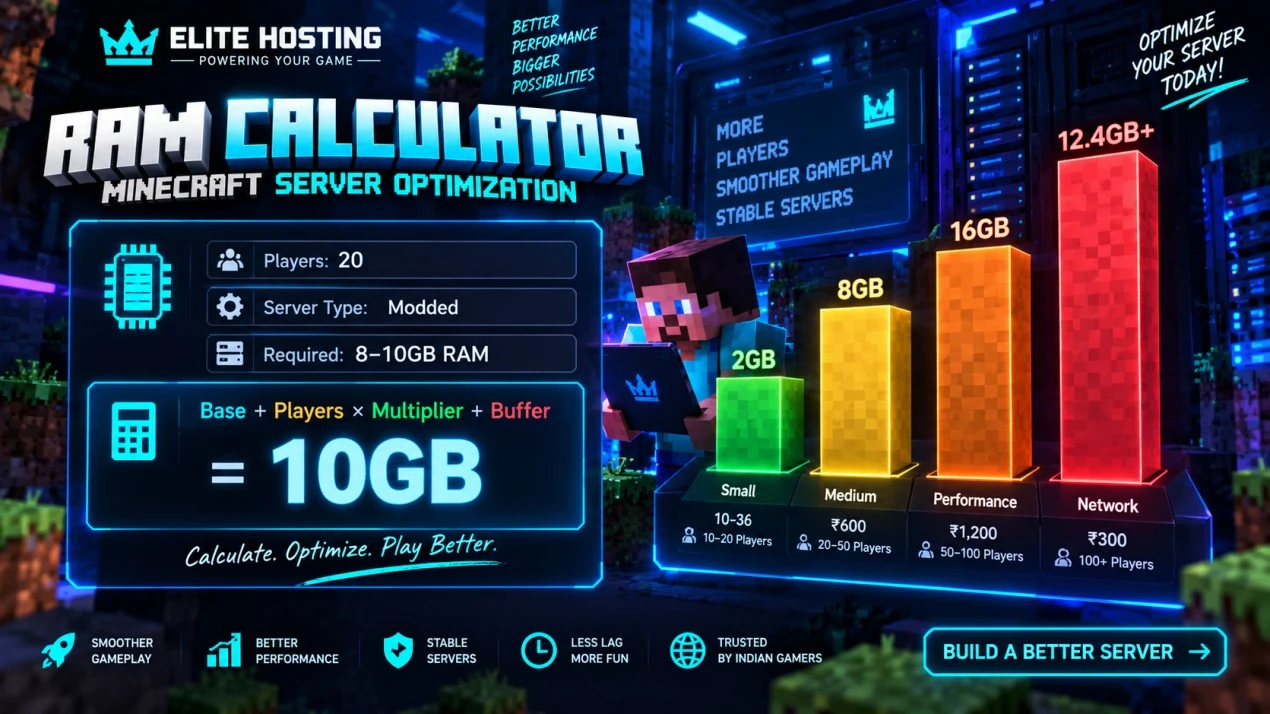
Choosing the correct RAM allocation is one of the most common Minecraft hosting decisions. Too little memory causes garbage-collection pauses, crashes, chunk lag, and poor player experience. Too much memory wastes money and does not fix a CPU or plugin bottleneck.
This guide covers vanilla survival, Paper and plugin servers, Forge and Fabric modpacks, and multi-server networks. It includes practical formulas, player-count sizing, Elite Hosting pricing, warning signs, and optimization steps.
Quick reference: RAM by server type
| Server type | Players | Minimum RAM | Recommended RAM | Elite Hosting cost |
|---|---|---|---|---|
| Vanilla survival | 5-10 | 2 GB | 2-4 GB | ₹240-₹480 |
| Vanilla survival | 10-20 | 4 GB | 4-6 GB | ₹480-₹720 |
| Light plugins | 10-20 | 4 GB | 6 GB | ₹480-₹720 |
| Heavy plugins | 10-30 | 6 GB | 8-10 GB | ₹720-₹1,200 |
| RLCraft or medium modpack | 10-20 | 6-8 GB | 8-10 GB | ₹720-₹1,200 |
| ATM9 or heavy modpack | 5-15 | 12 GB | 16 GB | ₹1,440-₹1,920 |
| Large network | 50-100+ | 16 GB per instance | 20-32 GB across instances | ₹2,400+ |
These are starting ranges, not player guarantees. CPU generation, storage, view distance, plugin quality, world generation, entities, and network design can change the result.
How Minecraft uses RAM
Minecraft uses memory for loaded chunks, player data, entities, block updates, scheduled tasks, server software, plugins, mods, network buffers, logs, and Java virtual-machine overhead. A server also needs baseline memory before any players join.
| Server setup | Typical idle baseline | What adds load |
|---|---|---|
| Vanilla 1.20+ | 1.5-2 GB | Chunks, entities, players, world generation |
| Paper or Spigot | 2-2.5 GB | Plugins, databases, logs, loaded worlds |
| Light modpack | 3-4 GB | Mods, registries, dimensions, machines |
| Heavy modpack | 10-12 GB | Large mod list, automation, world generation |
Minecraft RAM calculator formulas
Formulas are estimation tools, not replacements for monitoring. Start with a safe allocation, test under real player load, and adjust based on peak memory and TPS.
Vanilla: Base 2 GB + players × 100 MB + view-distance overhead + 20% buffer.
Paper or plugin server: Base 2.5 GB + players × 120 MB + plugins × 50 MB + view-distance overhead + 25% buffer.
Forge or Fabric: Base 3 GB + mods × 10 MB + players × 150 MB + chunk-generation allowance + 30% buffer.
Example: A 20-player vanilla server can use 2 GB base, about 2 GB for players, around 2 GB for view distance and chunks, plus a 1 GB safety buffer. That is roughly 7 GB, so an 8 GB plan is the sensible rounded choice.
Do not treat the formula as a promise that eight gigabytes automatically supports every twenty-player server. A badly optimized plugin or constant chunk generation can still saturate CPU and lower TPS.
RAM requirements by player count
5-10 players: 2 GB can work for vanilla with low view distance. Choose 4 GB for plugins or a smoother buffer. Elite Hosting pricing is ₹240 for 2 GB and ₹480 for 4 GB.
10-20 players: 4 GB is a practical vanilla starting point, while 6 GB is safer for plugins and active exploration. Plans are ₹480 and ₹720.
20-50 players: 6-8 GB may suit vanilla or moderate plugins, but CPU and world generation become as important as RAM. Plans range from ₹720 to ₹960.
Modded servers: RLCraft and medium packs commonly need 6-10 GB; ATM9 and heavy packs often need 12-16 GB. Use the appropriate modded product tier when pricing a modpack server.
Minecraft version and world-generation impact
Older Minecraft versions such as 1.7.10-1.12.2 often use less memory and have established mod ecosystems. Modern versions add world height, deeper caves, more complex lighting, and heavier world generation. Moving a workload from an older version to 1.18+ can require a larger buffer.
When upgrading versions, pre-generate important terrain, lower view distance during the migration, and watch CPU, disk I/O, memory, and TPS. More RAM cannot fix a CPU that is saturated by new chunk generation.
View distance and chunk loading
View distance and simulation distance affect how many chunks the server keeps active. Increasing them can improve visual range but also increases memory, CPU, storage, and network work.
- 2-4 GB plans: start around view distance 6-7.
- 4-8 GB plans: view distance 8 is a practical baseline.
- 8-16 GB plans: test 8-10 based on CPU and player activity.
- Large servers: prioritize stable TPS over maximum view distance.
Chunk loaders, farms, mob-heavy bases, and multiple dimensions can create more load than ordinary exploration. Limit them before simply buying more memory.
Plugin and mod RAM impact
Light plugins such as permissions, economy APIs, and basic protection may add modest overhead. World-editing tools, live maps, NPCs, custom mobs, minigame systems, and large databases can add substantially more. Modpacks also load registries, dimensions, machines, and client-server systems before players enter.
As a starting rule, add around 1 GB for a light plugin group, 2 GB for a mixed plugin setup, and 3-4 GB for heavy plugins or a large mod system. Profile first: some plugins consume little memory but use a large amount of CPU every tick.
Elite Hosting RAM plans and pricing
For standard Minecraft hosting, Elite Hosting uses a simple ₹120/GB RAM rate. The current examples below show the monthly cost before any future promotions or plan changes:
| RAM | Monthly price | Good for |
|---|---|---|
| 2 GB | ₹240 | Small vanilla or proxy |
| 4 GB | ₹480 | Friends, vanilla, light plugins |
| 6 GB | ₹720 | SMP and moderate plugins |
| 8 GB | ₹960 | Heavy plugins or larger SMP |
| 10 GB | ₹1,200 | Medium modpacks or busy community |
| 12 GB | ₹1,440 | Heavy plugins and modpacks |
| 16 GB | ₹1,920 | Large modded or network instance |
RAM is not the same as player capacity. CPU tier, NVMe storage, network routing, DDoS protection, plugins, and world complexity decide the actual experience. Start right-sized and upgrade when peak usage approaches the safe limit.
When your server needs more RAM
Watch for frequent garbage-collection pauses, repeated out-of-memory errors, crashes during exploration, block rollbacks, delayed entity movement, and memory usage consistently above 85-90% during normal activity.
TPS below 18 is noticeable, but low TPS does not automatically mean low RAM. Check CPU, timings, chunk generation, entities, and plugin tasks before upgrading. If RAM is low and CPU is also saturated, you may need both a larger allocation and a stronger CPU tier.
RAM optimization techniques
- Reduce view distance from 10 to 8 while testing.
- Use Paper or a compatible optimized server software for plugin servers.
- Pre-generate worlds with a compatible tool before public launch.
- Limit entities, chunk loaders, farms, and unnecessary dimensions.
- Remove plugins that duplicate features or run expensive repeating tasks.
- Keep Java startup memory sensible; matching initial and maximum heap can avoid resizing pauses.
- Schedule maintenance and backups, but do not use restarts to hide an unresolved bottleneck.
Use Spark or Paper timings to identify whether memory, CPU, a plugin, or a world area is responsible. Copying random JVM flags from an unrelated version can make things worse; use flags appropriate for your Java and server software.
Right-sizing: upgrade or optimize?
| Observed state | Likely action |
|---|---|
| 40-60% peak RAM, 19-20 TPS | Keep the plan; monitor growth |
| 70-85% peak RAM, stable TPS | Healthy buffer; optimize before upgrading |
| 85-95% RAM or GC pauses | Optimize immediately and move up 2-4 GB if persistent |
| OutOfMemoryError or crashes | Urgent upgrade and inspect mods/plugins |
| Low RAM use but TPS below 18 | Investigate CPU, timings, chunks, and entities |
The efficient target is roughly 70-85% peak memory usage. Below that may mean you are paying for unused capacity; above that leaves too little room for exploration and growth.
Frequently asked questions
How much RAM does a 10-player Minecraft server need? Vanilla can start at 2-4 GB, while plugins usually make 4-6 GB more comfortable. RLCraft and other modpacks commonly need 6-8 GB.
Can I run Minecraft on 1 GB RAM? It is not a sensible allocation for a modern server. A tiny proxy or test may start, but a playable server should usually begin at 2 GB or more.
How much RAM for 20 players? Use 4-6 GB for vanilla, 6-10 GB for plugin-heavy servers, and 8-12 GB or more for modded gameplay. Measure actual peak usage and TPS.
Does more RAM make Minecraft faster? Only when the server is memory constrained. Once there is enough RAM, CPU performance, plugin efficiency, storage, and chunk generation determine TPS.
How much RAM does ATM9 need? Use 12 GB as a minimum starting point and 16 GB for a smoother 5-15 player experience. Larger groups or heavy automation may need more.
Can I upgrade RAM without losing my world? A plan upgrade should preserve your files, but always keep a current backup before changing resources or server software.
What is the Elite Hosting price for Minecraft RAM? Standard Minecraft hosting is calculated at ₹120/GB: 2 GB ₹240, 4 GB ₹480, 6 GB ₹720, 8 GB ₹960, 10 GB ₹1,200, 12 GB ₹1,440, and 16 GB ₹1,920 per month.
Conclusion
The right Minecraft RAM allocation balances player count, server software, plugins, mods, view distance, world generation, and future growth. Do not buy the largest plan automatically, and do not use RAM as a substitute for a weak CPU or inefficient plugin.
For most Indian servers, start with 2-4 GB for small vanilla play, 4-8 GB for active plugin communities, and 8-16 GB for modded or large workloads. Elite Hosting's ₹120/GB Minecraft pricing makes it easy to right-size the server, monitor peak usage, and upgrade when your community actually needs more.
About the Author
Excellent
4.8/5.0
107 Reviews
Discover the features that set Elite Hosting apart from the rest.
Our infrastructure, housed in top-tier data centers with the most reliable uplinks, allows us to offer our clients an impressive 99.9% uptime for their services.
We are dedicated to supporting you at all times. Our 24/7 Support Team is available to address any commercial or technical issues you may encounter.
your services are protected by enterprise-level security against DDoS attacks, with a capacity of up to 17Tbps, ensuring your services remain online seamlessly.
Immerse yourself in lightning-fast load times and seamless performance with NVMe storage technology, providing unparalleled speed and responsiveness.
Our hosting network is powered by high-performance AMD Ryzen 9 dedicated servers, delivering unparalleled game server performance.
We use Pterodactyl as our premium control panel for game servers. This user-friendly and efficient platform is ideal for managing any project.
With data centers around the world, we're always close to you.

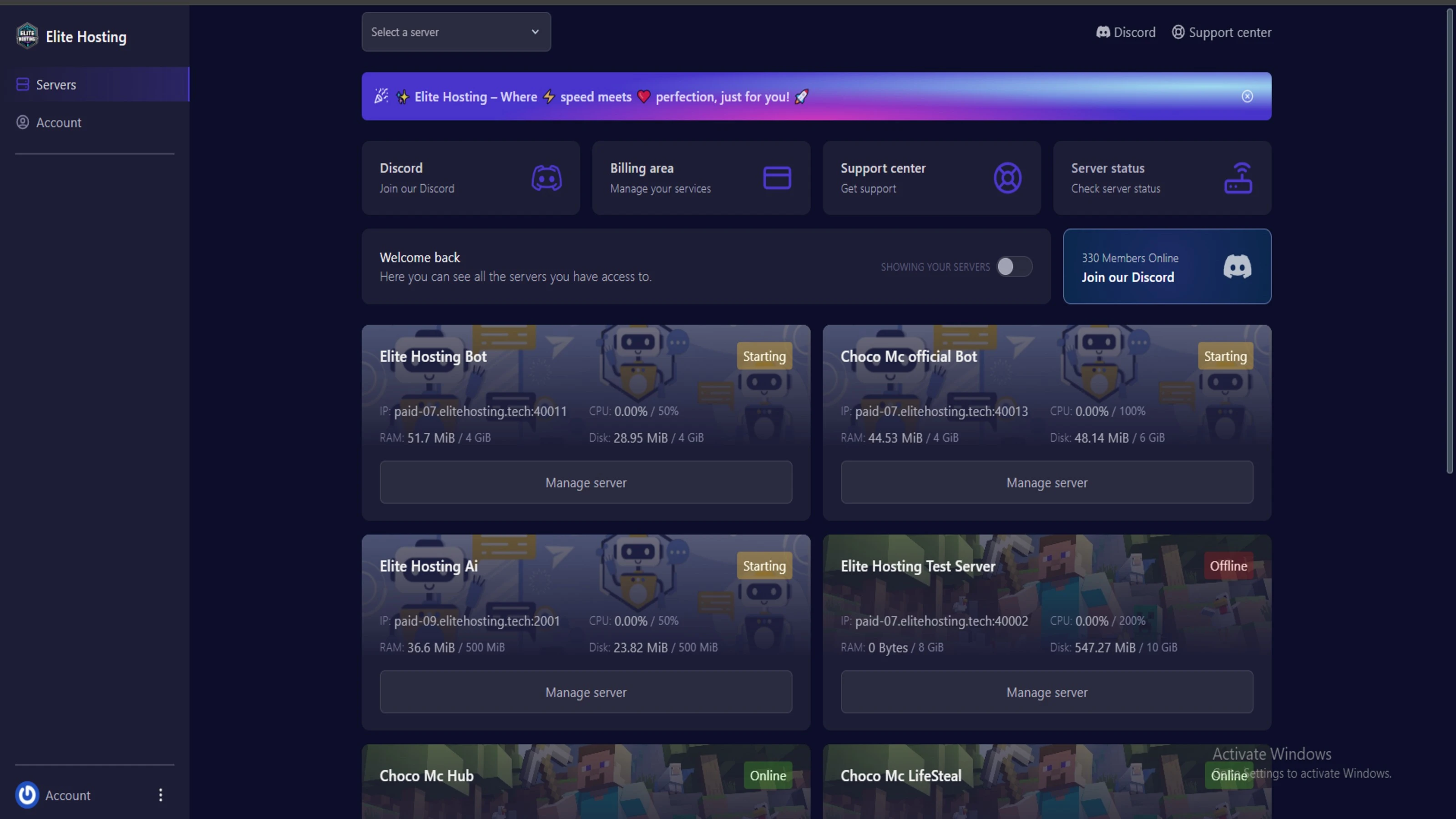
Experience Elite Hosting Control Panel
Pterodactyl is the premium panel used by us to control gaming services, offering our clients a user-friendly and efficient platform.
Frequently Asked Questions
Got questions? Check out these FAQs from our latest customers. If you need further assistance, explore our knowledge base or reach out to our support team.
We offer lightning-fast servers, 99.5% uptime, and low-latency connections with Global Location — ensuring smooth performance for your games and projects. Our platform is optimized for gamers, developers, and creators who demand speed, reliability, and scalability.
All our servers are deployed instantly after payment. You can start using your server within seconds. Our automated setup ensures no waiting time — just purchase, deploy, and play.
Absolutely! You can upgrade your plan anytime without losing your data. Your files, configurations, and backups remain fully intact during the upgrade process.
Yes! We take security seriously with Anti DDoS protection, regular backups, and encrypted connections. Your data and servers are always protected, giving you complete peace of mind while you focus on your projects.

14 min read • Rohit Kushwah

15 min read • Rohit Kushwah

16 min read • Rohit Kushwah
Choose which cookies you want to allow. You can change these settings at any time.