ELITE10
Get 10% off on your first order
Hytale Server Hosting: The Ultimate Guide to Hosting Your Own Adventure
Hytale is revolutionizing the sandbox gaming genre with its unique blend of adventure, building, and RPG elements. Learn everything you need to know about hosting your own Hytale server and creating unforgettable multiplayer experiences.

Table of Contents
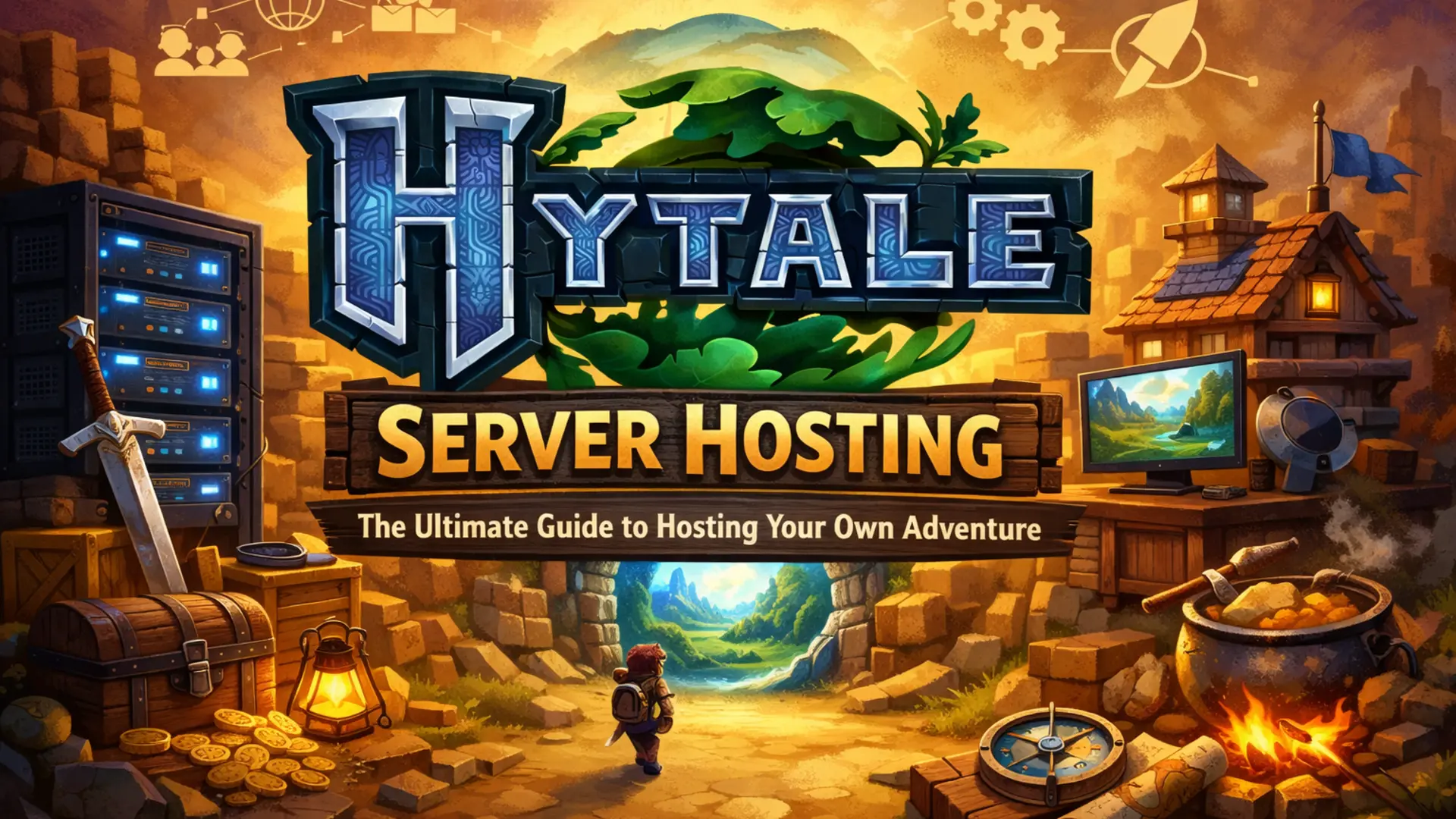
Hytale has been generating massive excitement in the gaming community since its announcement. Developed by Hypixel Studios, the creators of the popular Minecraft server network, Hytale promises to deliver an innovative sandbox experience that combines adventure, building, and RPG elements in ways never seen before. As anticipation builds for its release, many players are already planning their own private servers to share with friends and communities.
Introduction
The gaming world is abuzz with excitement about Hytale, a game that's been described as "Minecraft meets RPG." With its procedurally generated worlds, deep customization options, and robust modding support, Hytale is positioned to become the next big thing in sandbox gaming. For those looking to create their own multiplayer experiences, understanding Hytale server hosting is essential.
Information
What Makes Hytale Special: Hytale combines the creative freedom of sandbox games with RPG progression, adventure elements, and powerful modding tools. The game features procedurally generated worlds with hand-crafted content, making each playthrough unique while maintaining quality storytelling.
What is Hytale?
Hytale is an upcoming sandbox RPG that combines elements of adventure, building, and role-playing games. Developed by Hypixel Studios, the game features:
Key Features of Hytale
- Procedurally Generated Worlds: Infinite worlds with unique biomes, dungeons, and structures
- Adventure Mode: Story-driven campaigns with quests, NPCs, and epic boss battles
- Creative Building: Advanced building tools with thousands of blocks and items
- Modding Support: Powerful modding tools built directly into the game
- Multiplayer Focus: Designed from the ground up for multiplayer experiences
Unlike traditional sandbox games, Hytale offers both structured adventure experiences and complete creative freedom. Players can embark on epic quests, explore dangerous dungeons, or simply build their dream world with friends.
Why Host Your Own Hytale Server?
Hosting your own Hytale server offers numerous advantages over playing on public servers:
- Complete Control: Customize every aspect of your server, from game rules to world settings
- Privacy and Security: Control who can join your server and create a safe environment for friends
- Custom Mods: Install and create custom mods to enhance gameplay
- Performance: Dedicated resources ensure smooth gameplay without lag
- Community Building: Create a unique community around your server's theme or rules
- 24/7 Availability: Your server runs continuously, allowing players to join anytime
Information
Pro Tip: Many successful Hytale servers start with a unique theme or gameplay style. Whether it's a roleplay server, survival challenge, or creative building community, having a clear vision helps attract and retain players.
Hytale Server Requirements
To ensure optimal performance for your Hytale server, you'll need adequate hardware resources. While official requirements haven't been released yet, based on the game's features and similar sandbox games, here are the recommended specifications:
Recommended Server Specifications
Small Server (1-10 players)
- • RAM: 4-6 GB
- • CPU: 2-3 cores @ 3.0+ GHz
- • Storage: 16-24 GB SSD
- • Network: 100 Mbps
Medium Server (10-30 players)
- • RAM: 8-12 GB
- • CPU: 4-6 cores @ 3.2+ GHz
- • Storage: 32-48 GB SSD
- • Network: 1 Gbps
Large Server (30+ players)
- • RAM: 16+ GB
- • CPU: 6+ cores @ 3.5+ GHz
- • Storage: 64+ GB SSD
- • Network: 1 Gbps+
Important Note
Important: These are estimated requirements based on similar games. Actual requirements may vary once Hytale is released. It's always better to start with more resources than you think you'll need, as you can always scale down.
Setting Up Your Hytale Server
Setting up a Hytale server involves several key steps:
- Choose a Hosting Provider: Select a reliable hosting provider that offers Hytale server hosting with good performance and support. Look for providers with instant setup, DDoS protection, and 24/7 support.
- Select Your Server Plan: Choose a plan that matches your expected player count. Start with a plan that can handle more players than you initially expect to accommodate growth.
- Configure Server Settings: Set up your server's basic configuration, including world settings, game rules, and player limits.
- Install Mods (Optional): Add custom mods to enhance gameplay, add new features, or customize the experience.
- Set Up Backups: Configure automatic backups to protect your server data and player progress.
- Test Your Server: Before opening to the public, test all features, mods, and settings to ensure everything works correctly.
Information
Quick Setup Tip: Many hosting providers offer one-click Hytale server installation, making the setup process much easier. Look for providers that include automatic updates and mod management tools.
Mods and Customization
One of Hytale's most exciting features is its built-in modding support. The game includes powerful modding tools that allow you to:
- Create Custom Content: Design new blocks, items, mobs, and structures
- Modify Gameplay: Change game mechanics, add new features, or create entirely new game modes
- Script Events: Use Hytale's scripting system to create custom events and interactions
- Build Custom Maps: Create hand-crafted worlds and adventures
- Share Mods: Easily share your creations with the community
The modding system is designed to be accessible to both beginners and experienced developers, with visual tools for simple modifications and scripting support for advanced features.
Multiplayer Features
Hytale is built with multiplayer in mind, offering several features that make hosting servers rewarding:
Multiplayer Capabilities
- • Dedicated Server Support: Official support for dedicated servers
- • Cross-Platform Play: Players on different platforms can play together
- • Server Browsing: Built-in server browser to discover new servers
- • Clan System: Built-in clan and guild features for community building
- • Anti-Cheat: Server-side anti-cheat system to maintain fair play
- • Admin Tools: Comprehensive admin tools for server management
Best Practices for Hytale Servers
To run a successful Hytale server, follow these best practices:
- Regular Backups: Set up automatic daily backups to protect your server data
- Monitor Performance: Keep an eye on server performance and upgrade resources as needed
- Clear Rules: Establish and communicate clear server rules to maintain a positive community
- Active Moderation: Have active moderators to handle issues and maintain server quality
- Regular Updates: Keep your server and mods updated to the latest versions
- Community Engagement: Engage with your community through Discord, forums, or in-game events
- DDoS Protection: Ensure your hosting provider offers DDoS protection
- Test Before Updates: Always test updates and mods on a test server before applying to production
Important Note
Security Reminder: Always use strong passwords for server admin accounts and enable two-factor authentication when available. Regularly review who has admin access to your server.
Conclusion
Hytale represents an exciting new chapter in sandbox gaming, combining the best elements of adventure, building, and RPG games. Hosting your own Hytale server gives you the opportunity to create unique multiplayer experiences, build communities, and share your vision with players around the world.
With its powerful modding tools, robust multiplayer features, and procedurally generated worlds, Hytale offers endless possibilities for server owners. Whether you're planning a roleplay server, a survival challenge, or a creative building community, the tools are there to make your vision a reality.
As we await Hytale's release, now is the perfect time to start planning your server. Research hosting providers, plan your server's theme and features, and prepare to create something amazing. The Hytale community is already vibrant and growing, and there's never been a better time to get involved.
Information
Ready to Start? Elite Hosting offers premium Hytale server hosting with instant setup, 24/7 support, and all the features you need to run a successful server. With plans starting at affordable prices and scalable resources, you can start small and grow as your community expands.
About the Author
Excellent
4.8/5.0
105 Reviews
Discover the features that set Elite Hosting apart from the rest.
Our infrastructure, housed in top-tier data centers with the most reliable uplinks, allows us to offer our clients an impressive 99.9% uptime for their services.
We are dedicated to supporting you at all times. Our 24/7 Support Team is available to address any commercial or technical issues you may encounter.
your services are protected by enterprise-level security against DDoS attacks, with a capacity of up to 17Tbps, ensuring your services remain online seamlessly.
Immerse yourself in lightning-fast load times and seamless performance with NVMe storage technology, providing unparalleled speed and responsiveness.
Our hosting network is powered by high-performance AMD Ryzen 9 dedicated servers, delivering unparalleled game server performance.
We use Pterodactyl as our premium control panel for game servers. This user-friendly and efficient platform is ideal for managing any project.
With data centers around the world, we're always close to you.

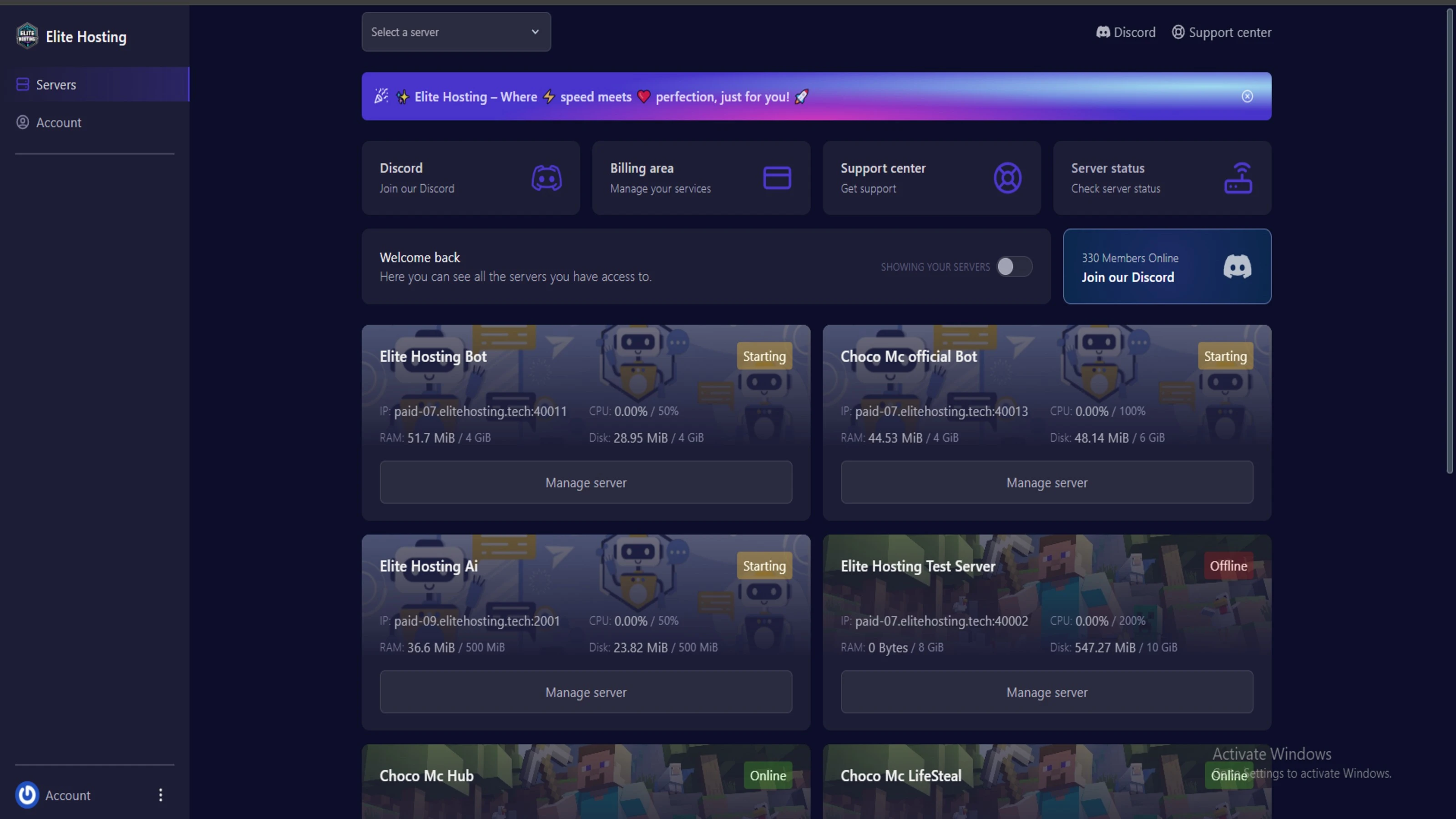
Experience Elite Hosting Control Panel
Pterodactyl is the premium panel used by us to control gaming services, offering our clients a user-friendly and efficient platform.
Frequently Asked Questions
Got questions? Check out these FAQs from our latest customers. If you need further assistance, explore our knowledge base or reach out to our support team.
We offer lightning-fast servers, 99.5% uptime, and low-latency connections with Global Location — ensuring smooth performance for your games and projects. Our platform is optimized for gamers, developers, and creators who demand speed, reliability, and scalability.
All our servers are deployed instantly after payment. You can start using your server within seconds. Our automated setup ensures no waiting time — just purchase, deploy, and play.
Absolutely! You can upgrade your plan anytime without losing your data. Your files, configurations, and backups remain fully intact during the upgrade process.
Yes! We take security seriously with Anti DDoS protection, regular backups, and encrypted connections. Your data and servers are always protected, giving you complete peace of mind while you focus on your projects.

15 min read • Rohit Kushwah
12 min read • Rohit Kushwah
15 min read • Rohit Kushwah
Choose which cookies you want to allow. You can change these settings at any time.